> ## Documentation Index
> Fetch the complete documentation index at: https://docs.readyhealth.com/llms.txt
> Use this file to discover all available pages before exploring further.
# Document Field Schema
To ensure consistency in the structured output of document scans, there are common attributes that are returned with each document type. In addition, depending on the document type, there are additional attributes that are critical to understanding the document data.
Below is a summarization of supported fields that are returned per document type. Within each field group object, there may be `extra_fields` included beyond the fields listed to be more comprehensive. Do not rely on these `extra_fields` being consistently available. If a specific field is required but not listed below, please contact us.
### Field Structure
Each extracted field follows this standard pattern:
```
fieldName: {
key: string, // Field identifier
value: string, // Extracted value
confidence: int // Confidence score (0-100)
}
```
There will always be the `category` and `type` also presented within the field object:
```
document_category: {
value: string, // Extracted value
confidence: int // Confidence score (0-100)
}
```
```
document_type: {
value: string, // Extracted value
confidence: int // Confidence score (0-100)
}
```
## View and Manage Document Schemas
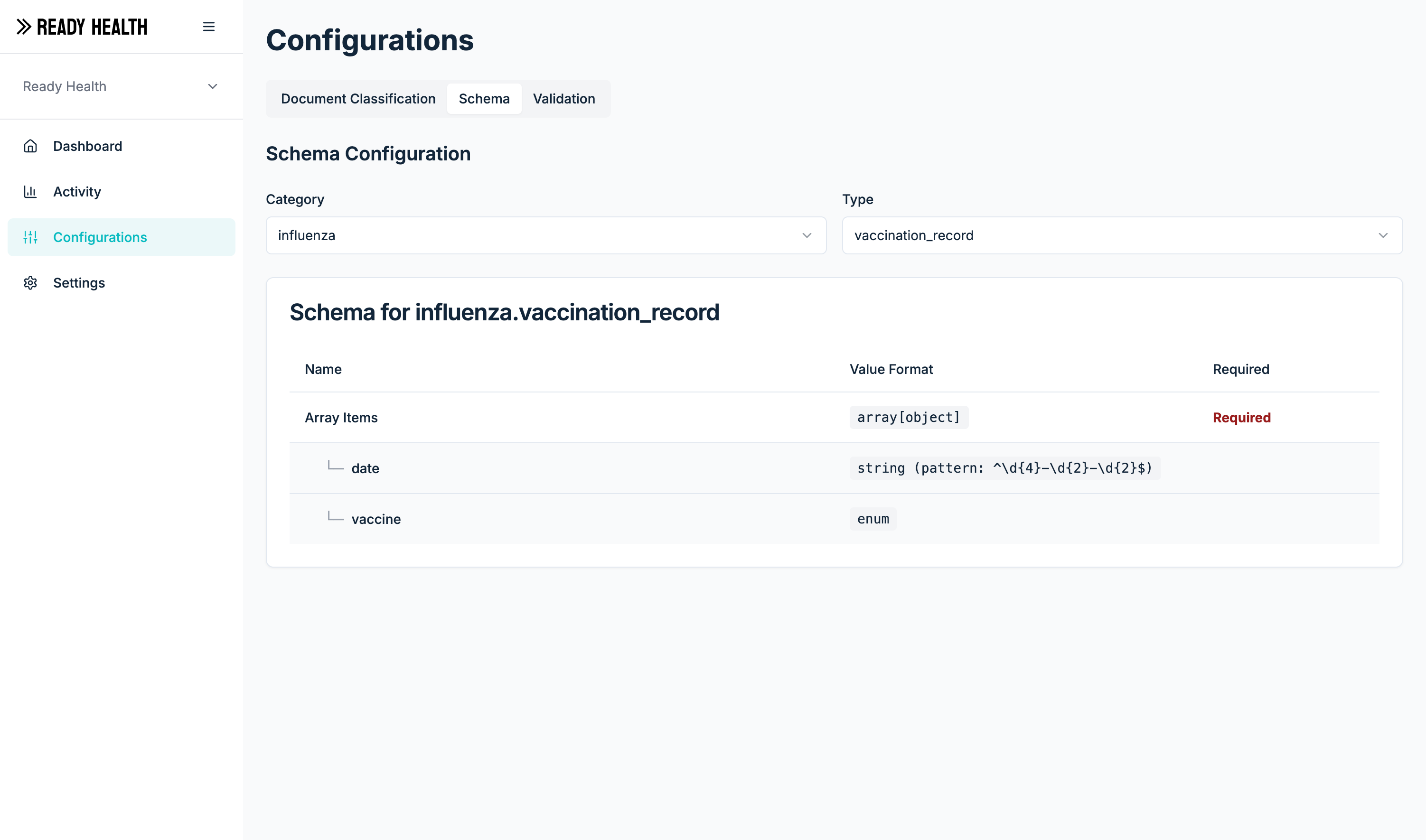
From the Configurations and Schema tab in the Admin Dashboard, the document schema setup can be managed.
 ## Examples
### `tuberculosis.skin_test`
One of `positive` or `negative`
## Examples
### `tuberculosis.skin_test`
One of `positive` or `negative`